Hi, for the second approach, with the Excel Reader, you can use “SimTime()” to get the actual time and wait until it’s time to create a new product.
One solution would be to use an If-loop in which you check ifTiming <= SimTime()". If yes you can create the product, if not wait 1s for example.
The other solution would be to add a Real-Property to the process to calculate the remaining time before you need to create a new product –>Delay = Timing - SimTime(). And then use a Delay in which you use this property as Expression.
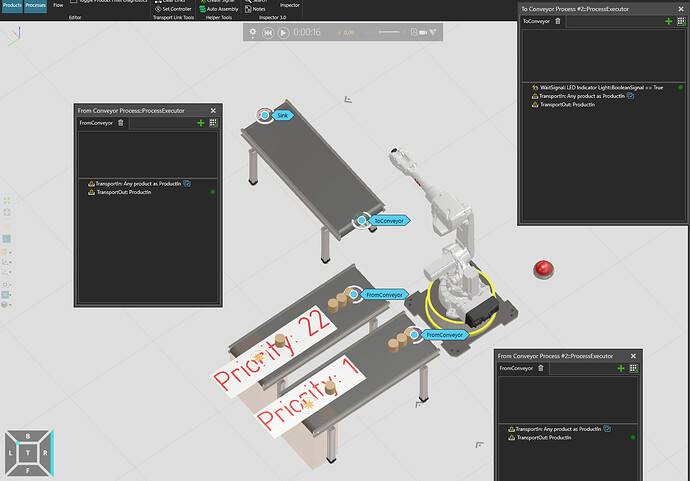
The product propertyNextProcesswas just a test to transport the product to the correct Machine process using the property filters in TransportIn (NextProcess = Start at the begining, and after having been processed once, NextProcess = Destination). It might also be possible to use theGetFlowStep+SetNextFlowStepstatements to adjust the flow for each product.
The statementSendSignalis used with the ExcelReader to read the next row of the table by triggering the signal “TriggerRead”.
I would also like to record the real robot pick time and the product arrival time and export to an excel, so that I can see what’s the delay. Do you know how to do? thanks.