尊敬的Visual Components团队:

我在Visual Components中加载一个几何体时,发现该几何体缺失了许多特征。我附上了该几何体在Solid Edge和Visual Components中的对比照片,以及导入前选择的导入模型属性设置截图。请指导如何正确加载该几何体,使其与Solid Edge中的显示一致。
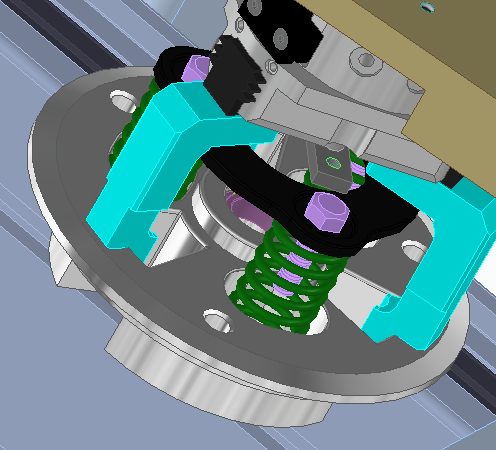
上方为Solid Edge中的几何体(实际几何体)。
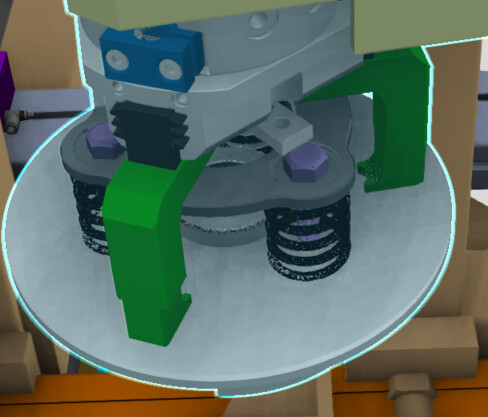
同一几何体在Visual Components中加载后的效果。
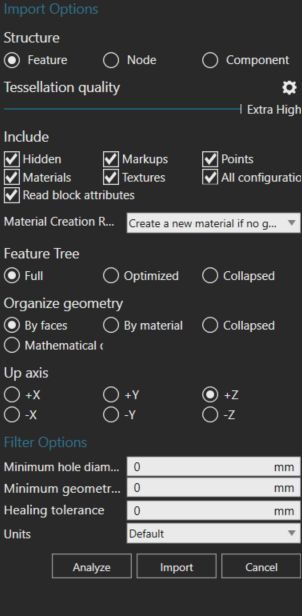
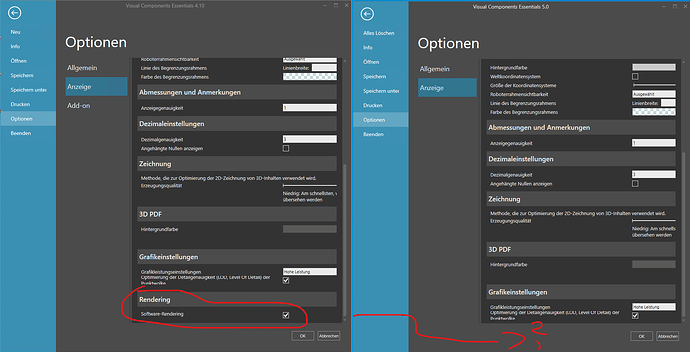
导入此几何体前的导入模型属性设置。

此致 敬礼

Mohit Keshav
看起来主要是缺失了孔特征?可能是由于在带有孔的几何体之外,还存在一个不带孔的实体几何体,导致您无法看到孔洞。

The same geometry when i open in solid edge shows all features (1st image attached) and same when i open in VC it show without these features. I have done drag n drop then also same result. and when importing through import model option then also same result.

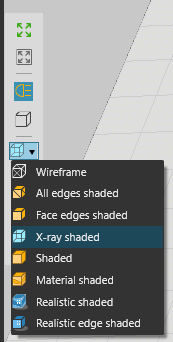
Set render mode to X-ray shaded, what would it look like

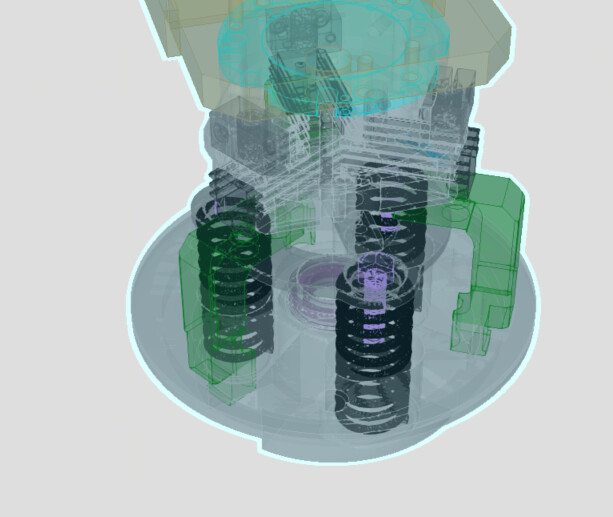
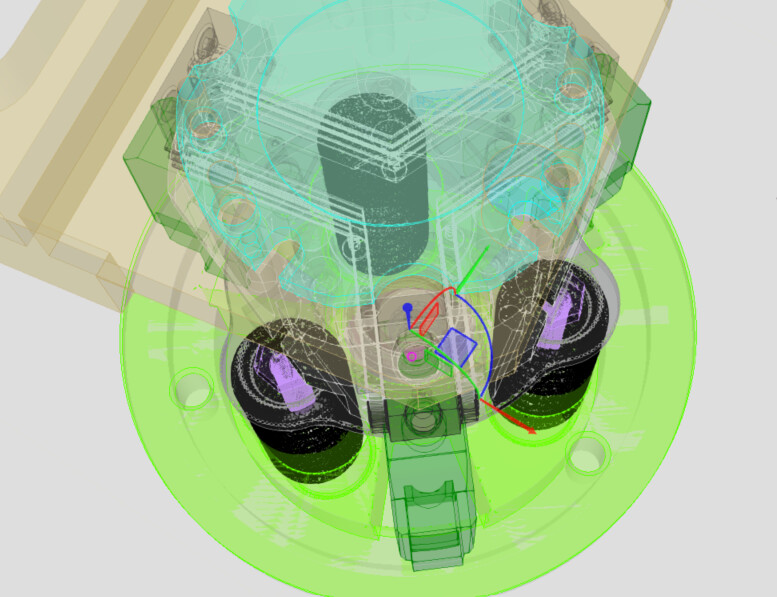
The x-ray shaded image is shared below.

Other view. In X-ray holes are visible, but not in other shades. bottom view.

Exactly, just like TSy suspected, the cylinder is bigger, just remove it.

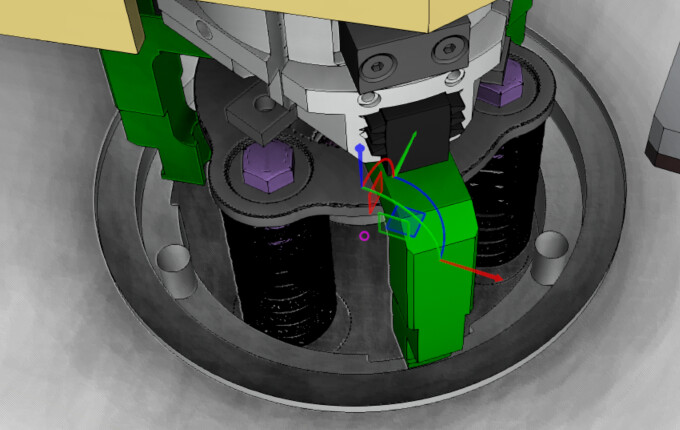
移除顶板后,几何结构看起来是这样的。

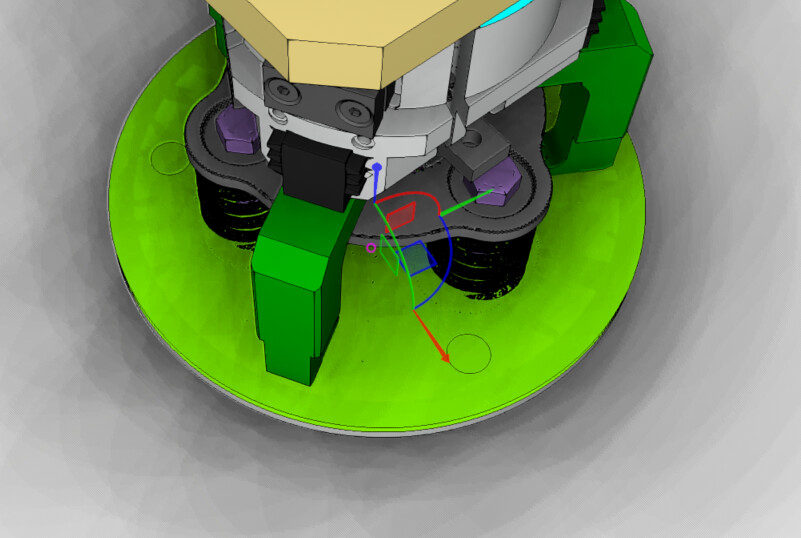
带顶板时是这样的。

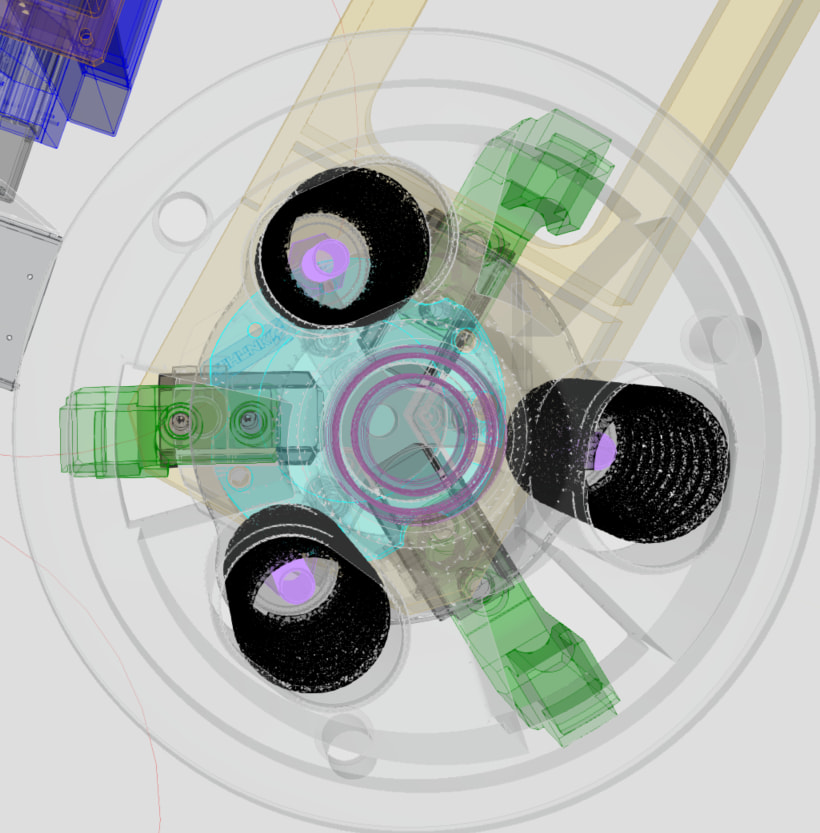
从顶视图以X射线阴影显示带顶板的情况。

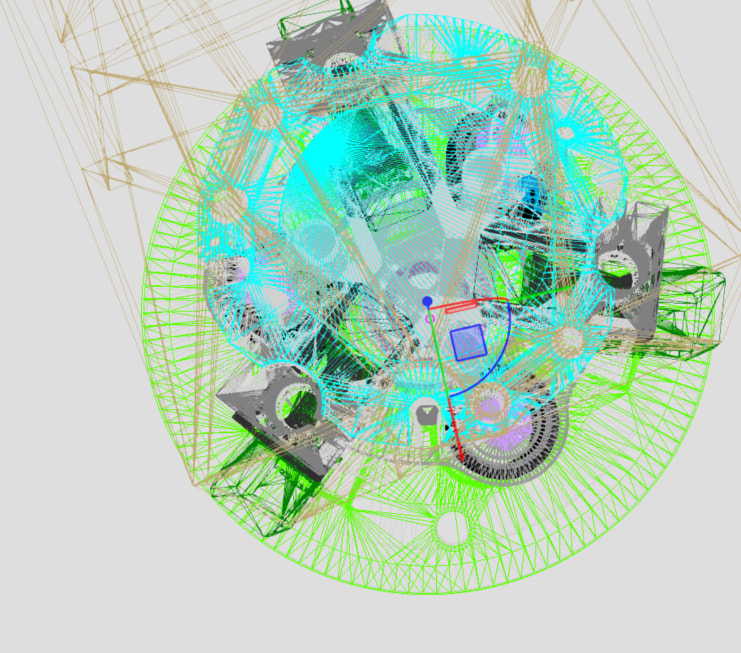
在线框视图下,无需移除任何部件,从顶部可以完全看到孔洞。

在X射线或线框渲染模式下,所有物体都是透明的,所以你才能看到它们。你的CAD软件中没有平板或扁平圆柱体吗?你能上传CAD文件吗?或者发送到support@visualcomponents.com

谢谢idkfa和Tsy的及时快速支持。你们说得对,在将平板分解两次后,我得到了所需的几何结构。非常感谢。